
Stranded
Without infrastructure
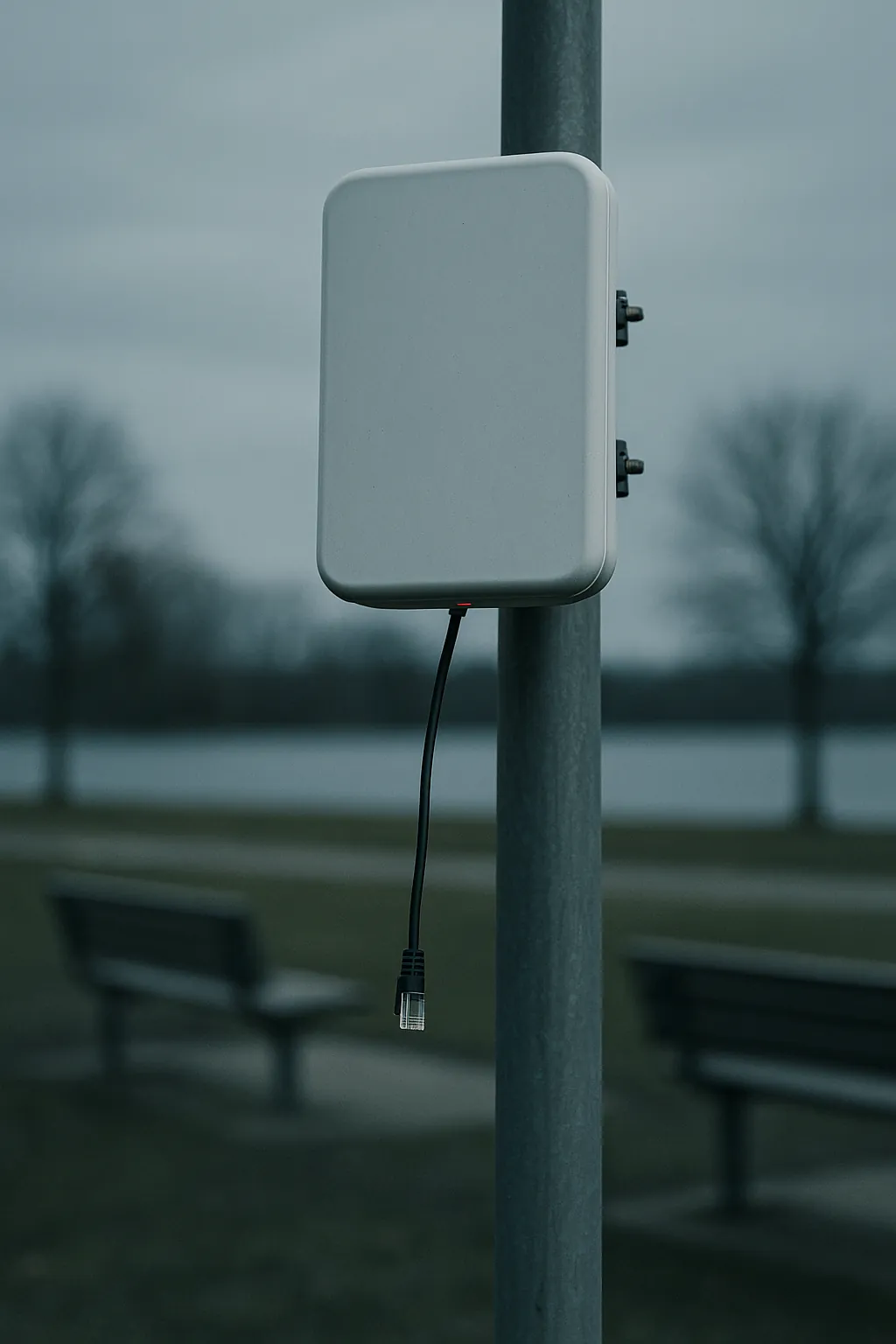
This access point sits and waits.
The wiring proposal is still on the manager's desk.

This camera is ready to protect.
It's still waiting for a connection.

The store is ready.
Broadband was supposed to be installed weeks ago.

The ISP said 60 days.
Then two more weeks. Then two more weeks. Still waiting…

The line went down.
Everyone just went home.
Nothing in this story is broken.
Every one of these places is finished, powered and paid for. Not one of them is waiting on equipment. They’re all waiting on a line.

Click.
Somebody brought a box instead of a backhoe.
Plug it in.
Make anything wired… wireless.
The 5G Adapter takes the Ethernet port that was waiting on a line and gives it 5G instead. Access point, camera, POS, ATM, controller, kiosk, whole branch — if it has an Ethernet port, it can be online today.
Not a replacement for fibre everywhere.
A replacement for waiting.
Same afternoon.The same five places. Nothing changed but the light.

Connected.

Online.

Open for business.

Back in service.

Working.

Still nowhere.
Still online.
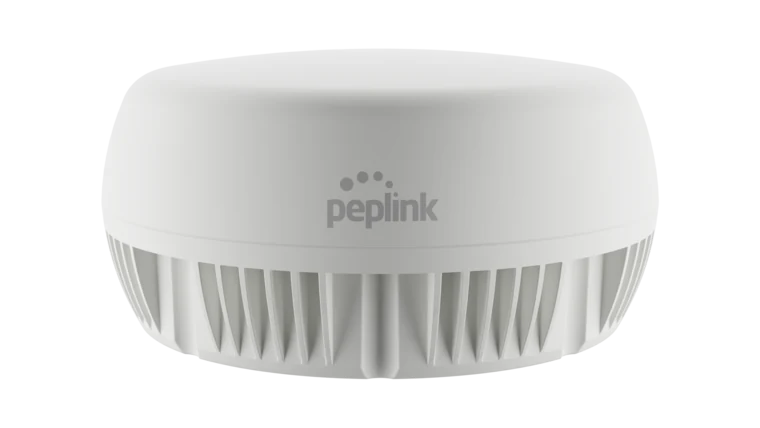
Better signal.
Mount it outside.
Four cellular elements and GPS in one puck, on the roof or the wall, feeding the adapter through the antenna ports. The difference between two bars in a stockroom and five on the outside wall.
The stranded, connected.
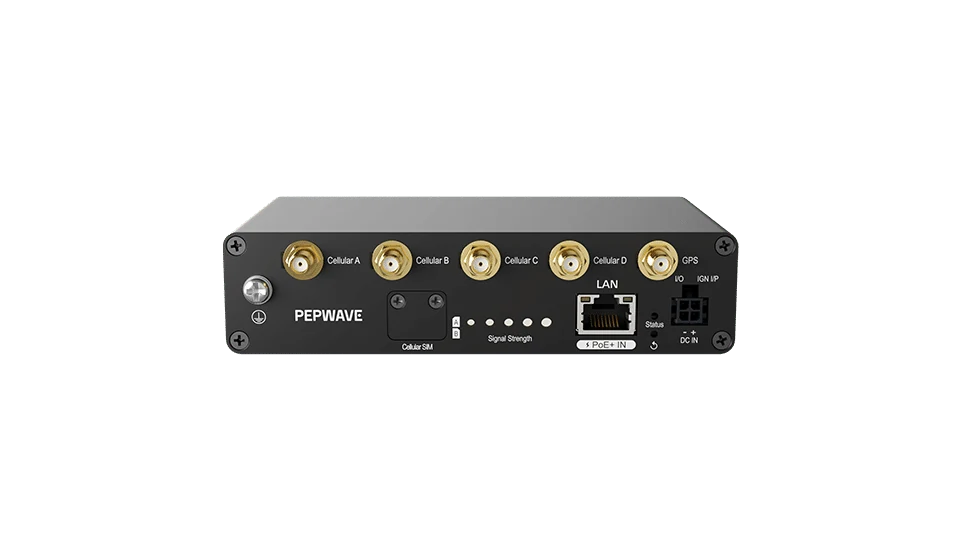
5G Adapter + Antenna MAX + PoE injector
One box, one cable, one antenna — built for whatever you’re plugging in, and shipped ready to mount. For sites that need the signal outside.
Have us build the kit5G Adapter
Already have antennas and PoE on site? Take the box on its own and plug it into the port that’s been waiting.
Shop the 5G AdapterNot sure which? Tell us what you’re plugging in and we’ll spec it: (352) 316-7701.
- 5Gup to 3.4 Gbps down / 550 Mbps up
- 2.5G LANpowered over the same cable (802.3at PoE in)
- 2 SIM + eSIMPeplink eSIM, BYO eSIM, RemoteSIM
- −40° to 149°Findoors, in a cabinet, up a pole, in a truck
5G Adapter datasheet (PDF) · Where it fits in the product line
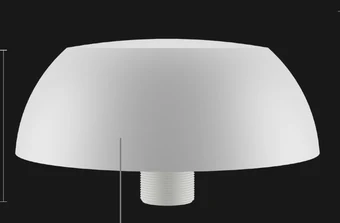
Coming soonAnd one for the places that don’t have an indoors.