
Automate how the fleet behaves and how you are alerted.
Notifications
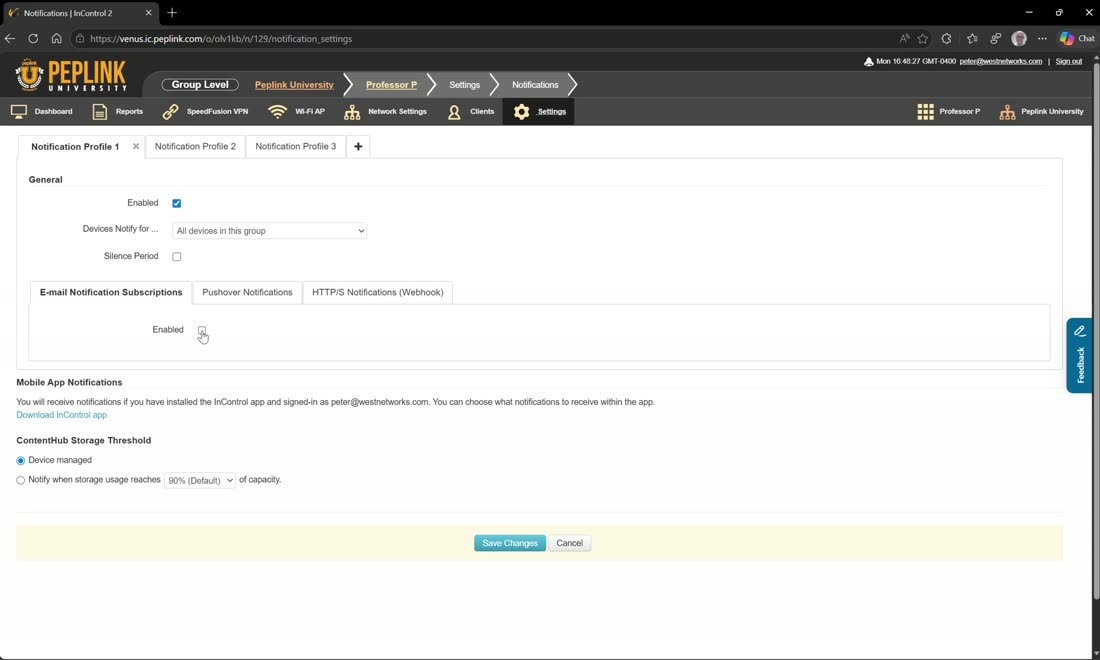
Notification profiles let you create multiple profiles, each with its own settings. Like almost everything in InControl, they’re scoped by tag — target devices with any of the following tags, or with none of them — then enable notifications and pick from the full list of events. To watch a specific device, use the device-level Monitor action, which subscribes it to your notification profiles so you’re emailed if it becomes unresponsive.
Device schedules
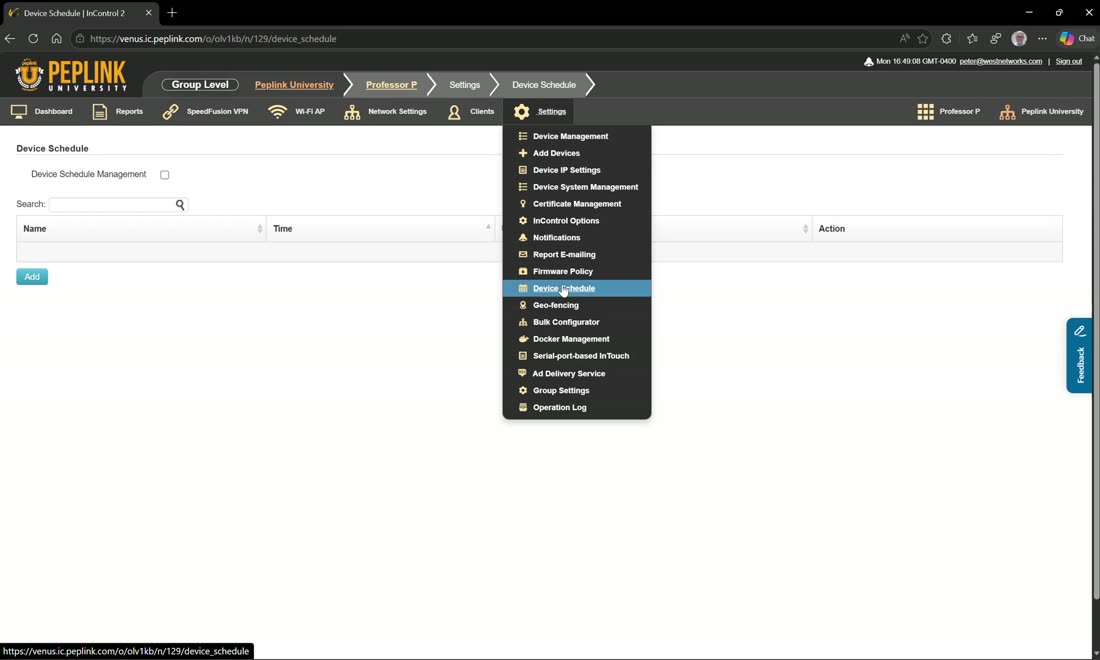
Device schedules let you build a schedule — say “work hours” — and then apply it to things like Wi-Fi SSIDs and ports.
Geofencing
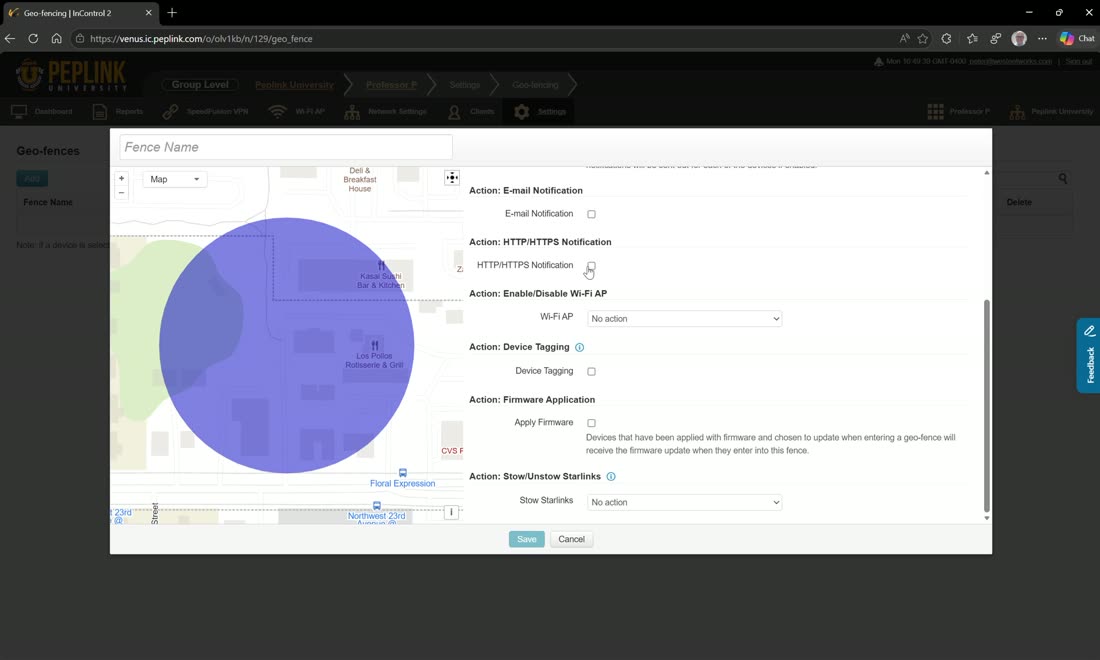
Geofencing lets you draw zones — a depot, an office — by adding a circular area on the map and naming it (e.g. “Work”). Then you choose what happens when a device enters or leaves that zone:
- Email notifications on enter/leave
- Push an HTTPS webhook to an API
- Toggle Wi-Fi on or off
- Device tagging — apply a tag when it leaves (“in the field”) and remove it when it returns (“at the depot”)
- Apply firmware based on geofence — e.g. only allow firmware updates while a device is at the depot
- Stow Starlink — drop Starlink dishes into low-priority mode on arrival