
New in Firmware 8.6 (July 2026)
- Layer 2 tunnels gain MAC address whitelisting (incl. prefix match) — allow only the devices that belong on the stretched LAN.
- Fixed: ARP requests for L2 static-route gateways being dropped, and IP passthrough breaking when Layer 2 SpeedFusion is enabled.
Sometimes gear at a remote site needs to be on the same subnet as the main site — a production LAN, an AV setup, or an application that assumes a flat network. SpeedFusion Layer-2 bridging does exactly that.
Steps
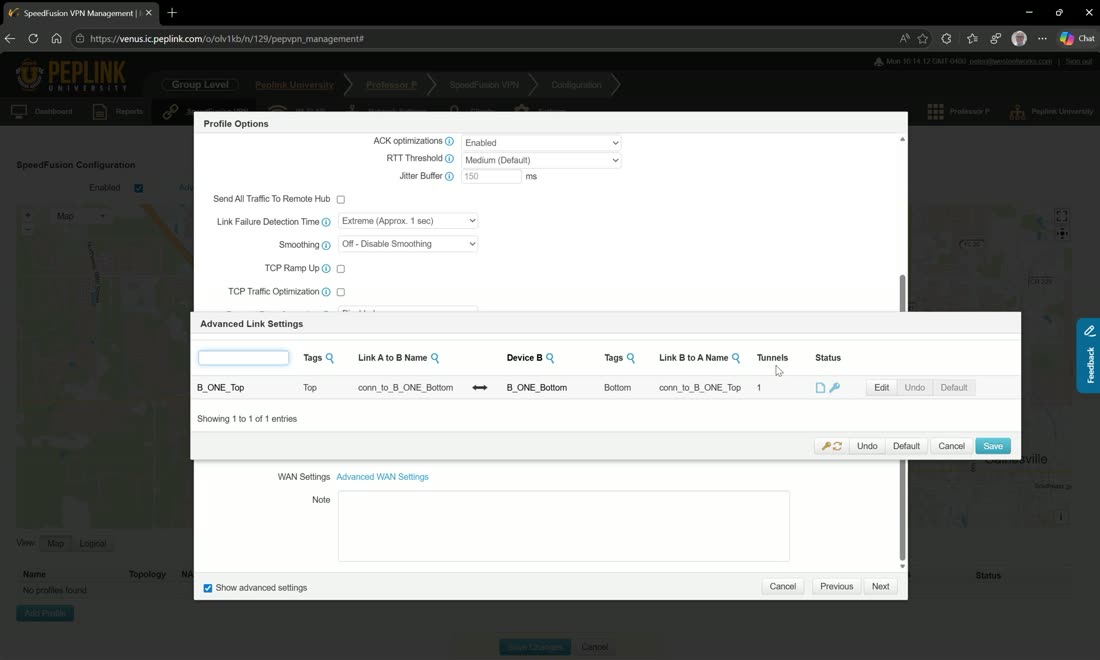
- Build the SpeedFusion profile between the two routers (see Building SpeedFusion).
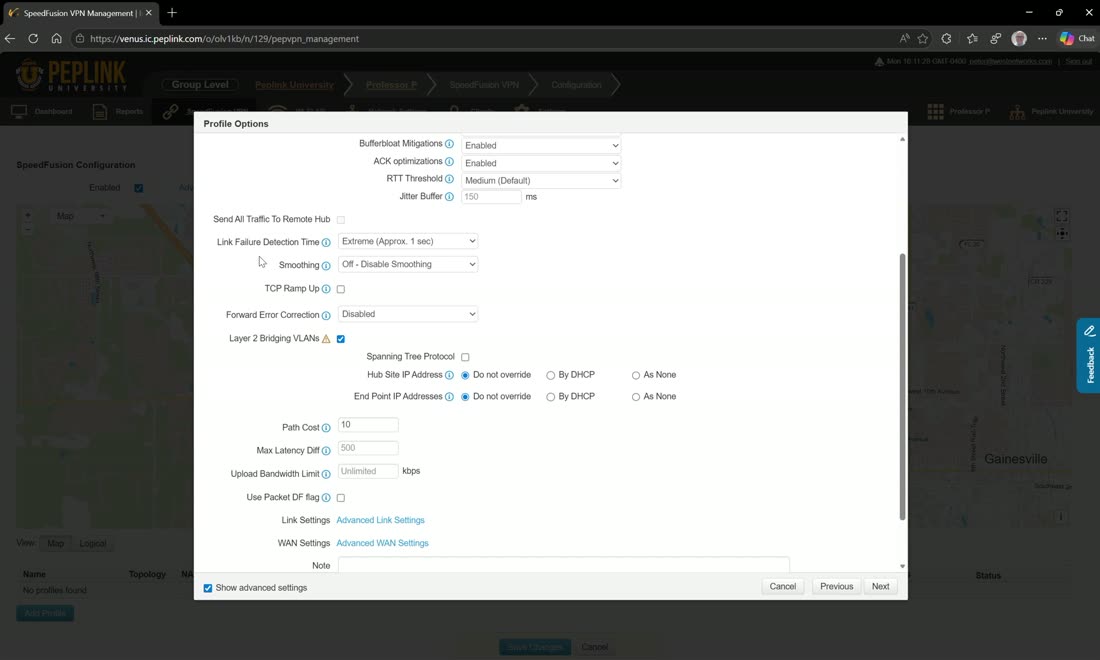
- Enable Layer-2 bridging on the tunnel and choose the VLAN to extend. Both sites now share one subnet (e.g.
192.168.45.0/24) with the gateway at the hub. - Use a sub-tunnel per VLAN if you need to bridge more than one — each Layer-2 sub-tunnel carries its own VLAN alongside your bonded internet.
Tip
Keep DHCP on one side only when bridging Layer-2, or you’ll have two DHCP servers fighting on the same subnet.
Video: broadcast Layer-2 VLAN over SpeedFusion
From Peplink University with Professor P.