
New in Firmware 8.6 (July 2026)
- Fixed in 8.6: Drop-in Mode reliably detects and reaches hosts on the WAN subnet.
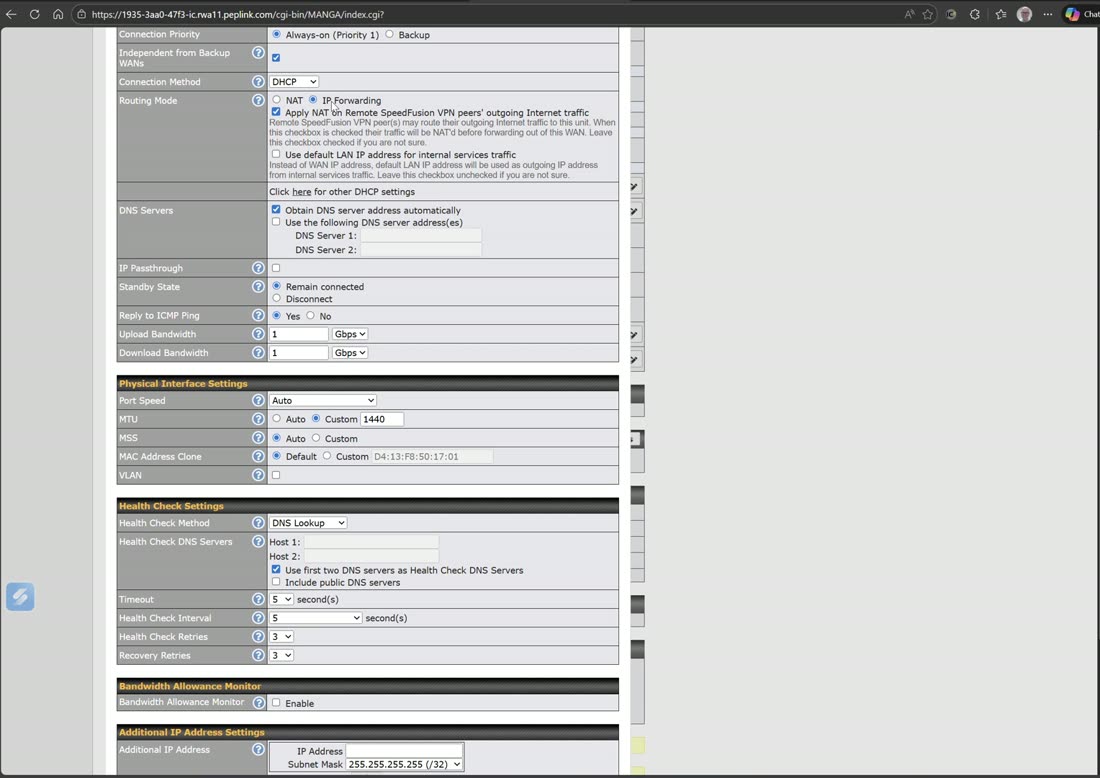
You don’t have to rip out your existing firewall or renumber the network to gain bonding. In drop-in mode the Peplink sits transparently between your ISP handoff and your current firewall, keeps your public IP, and adds as many links as you want behind it.
How it works
- Place the Peplink in drop-in (transparent bridge) mode between the modem/ONT and your existing firewall — nothing on the LAN changes.
- Keep your public IP on the firewall as before; the Peplink passes it through.
- Add more WANs (5G, a second broadband, Starlink) to the Peplink and bond them — now your single-homed firewall has a resilient, bonded uplink.
Tip
Because it changes nothing on your LAN, drop-in is fully reversible — you can prove it on a live network and pull it back out in seconds if you ever needed to. It’s how we upgrade a site during business hours with no cut-over.
Watch: related training videos
- Support | How to Set Up Peplink Balance in Drop-In Mode (Peplink University, 4 min)
- Webinar | What is Drop-in Mode (Peplink University, 2 min)
- Support | How to Configure Drop-in Mode (Peplink University, 7 min)
- Browse the full Video Library →