
New in Firmware 8.6 (July 2026)
- Edge Compute comes to B One and B One Plus (active PrimeCare).
- Automated Docker container/image removal; fixes for runaway container CPU and ContentHub file loading.
Supported routers can run Docker (and KVM) containers at the edge.
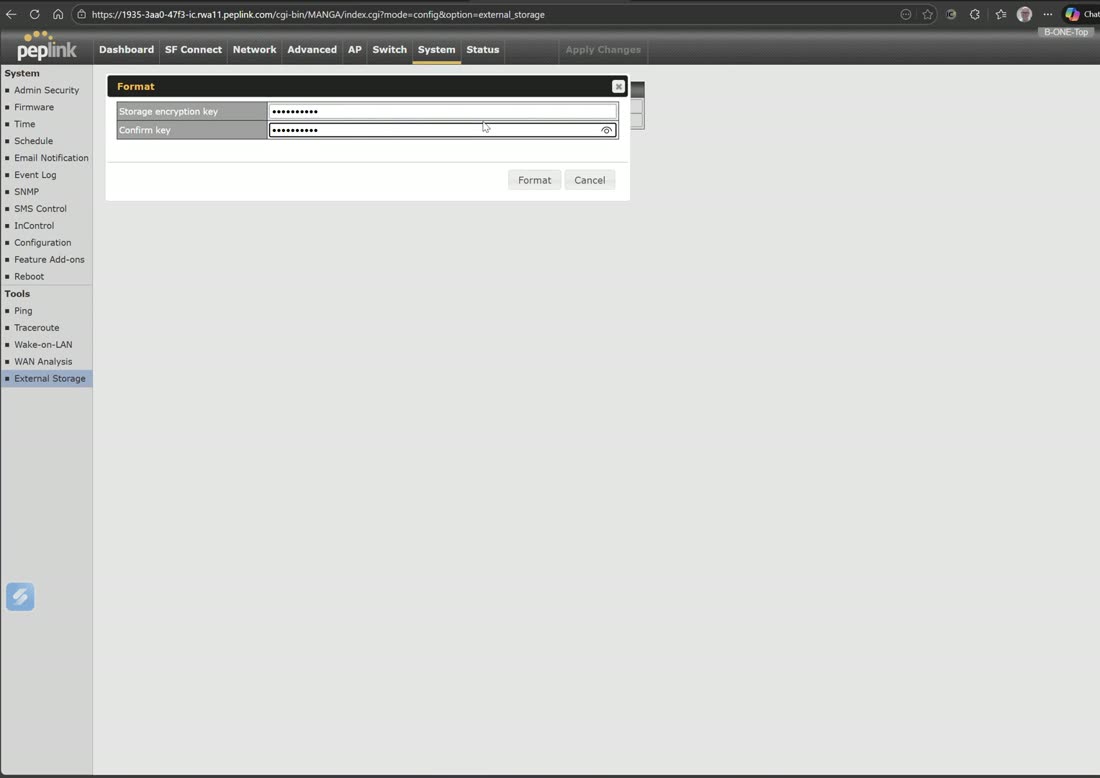
First provision storage (format an attached USB drive), then install the essential package.
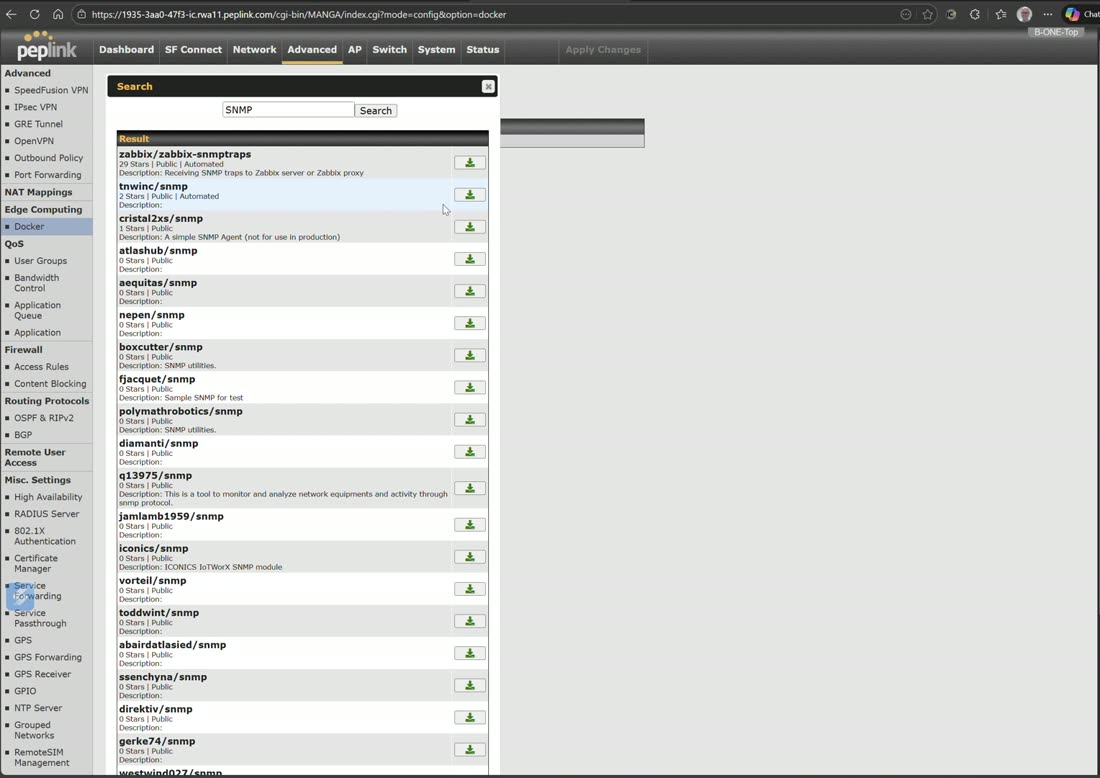
Search the registry, pull an image (e.g. an SNMP server), and run it with a Docker command — useful for lightweight services that belong at the site rather than in the cloud.
Webinar: the power of edge computing
Watch the webinar and discover the benefits of edge computing! Edge computing improves speeds by processing data locally before sending it back to your…
From Peplink University with Professor P.
Video: installing Windows Server with Peplink KVM
Note: Once it opens, if you have anything in the box already delete it first
From Peplink University with Professor P.
Watch: related training videos
- Peplink Portfolio | SDX Pro – Edge Computing Modular SD-WAN Router (Peplink University, 1 min)
- Peplink Portfolio | MAX Transit Pro E – Rugged, Mobile 5G Router with Edge Compute Engine (Peplink University, 1 min)
- Peplink University Monthly Webinar | The Power of Edge Computing (Peplink University, 43 min)
- Installing Windows Server using Peplink KVM (West Networks, 11 min)
- The Peplink MediaFast with Docker Support (West Networks, 3 min)
- In Action | AT4 Solution MediaFast Testimony (Peplink University, 2 min)
- Build. Deploy. Transform: Hands-On Edge Compute at the Peplink Tech Summit (West Networks, 1 min)
- Browse the full Video Library →